Risk Scoring
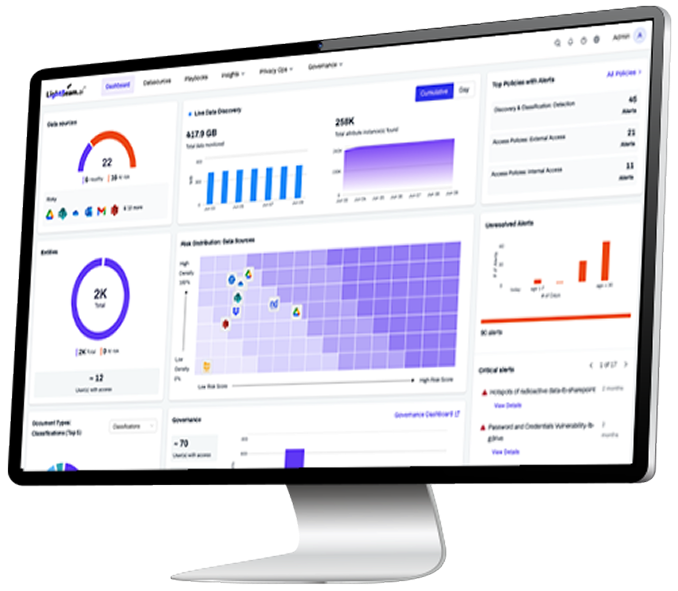
Context‑aware scores rank exposure by people, content, and access.
Overview
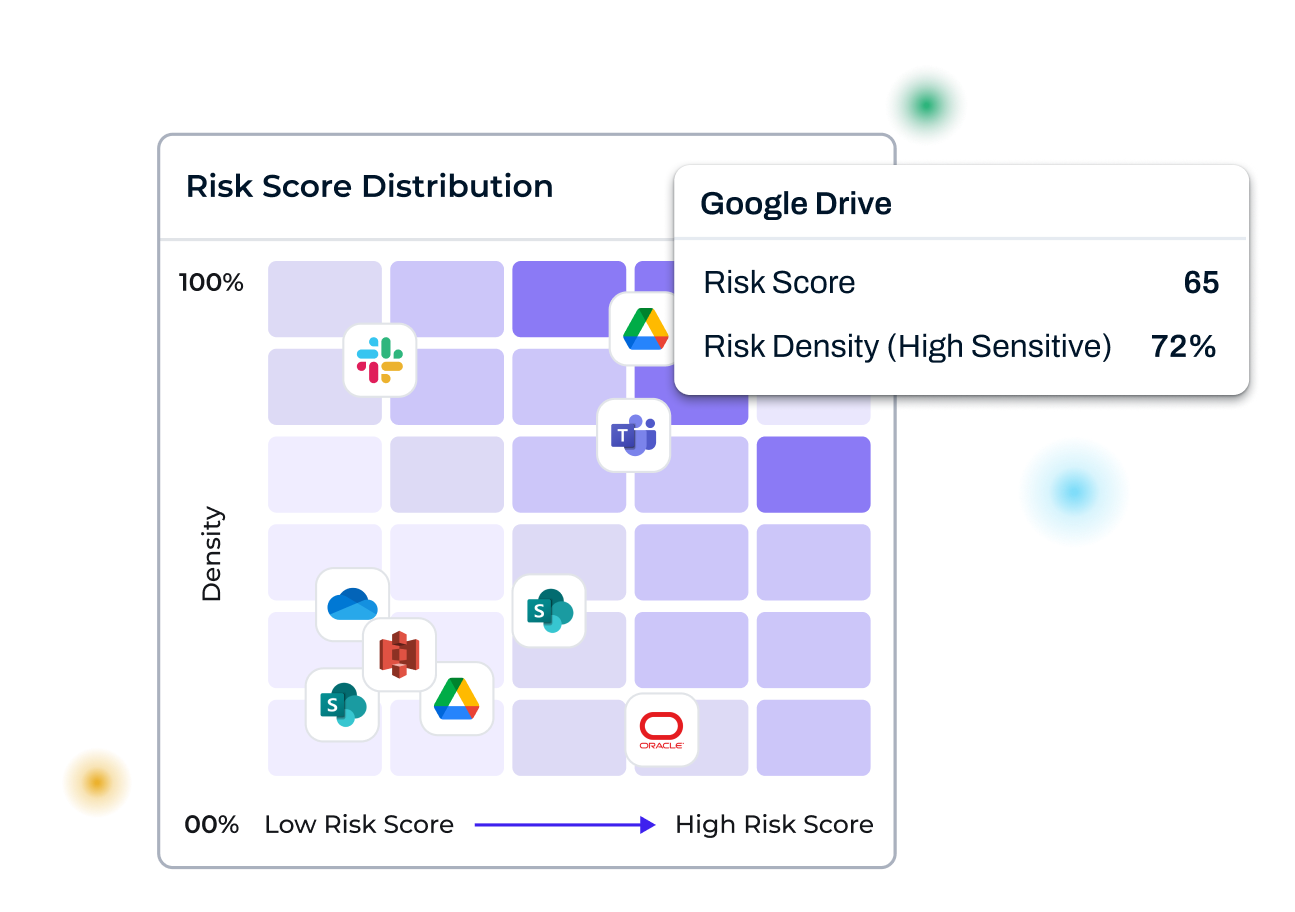
Lightbeam reframes risk around people. Risk Scoring unites attributes, ownership, and access into one score, so the riskiest issues get fixed first.
The Lightbeam Advantage
-
Identity‑centric risk scores across all data sources
Siloed tools that only shout alerts, not action
-
Risk density maps surface hotspots instantly
Manual tickets and brittle scripts that don’t scale
-
Automated remediation when risk thresholds trip
No identity context to guide real remediation
-
Posture you can measure, trend, and prove
Periodic reviews and delayed, manual response
Traditional Industry Approach
-
Score by attributes, owner, and exposure to fix what’s riskiest.
Analysts swivel between consoles while risks linger and evidence fragments.
-
See sensitive data concentration and then prioritize action.
Slow, error‑prone fixes need experts, and break as sources change.
-
Auto‑trigger revocation, quarantine, or review when risk spikes.
Teams act blindly without knowing whose data is at stake or why.
-
Track scores, benchmark apps, and export audit‑ready evidence fast.
Containment lags for weeks, letting ransomware or leaks spread.
From alert to outcome: remediation that runs itself, at scale
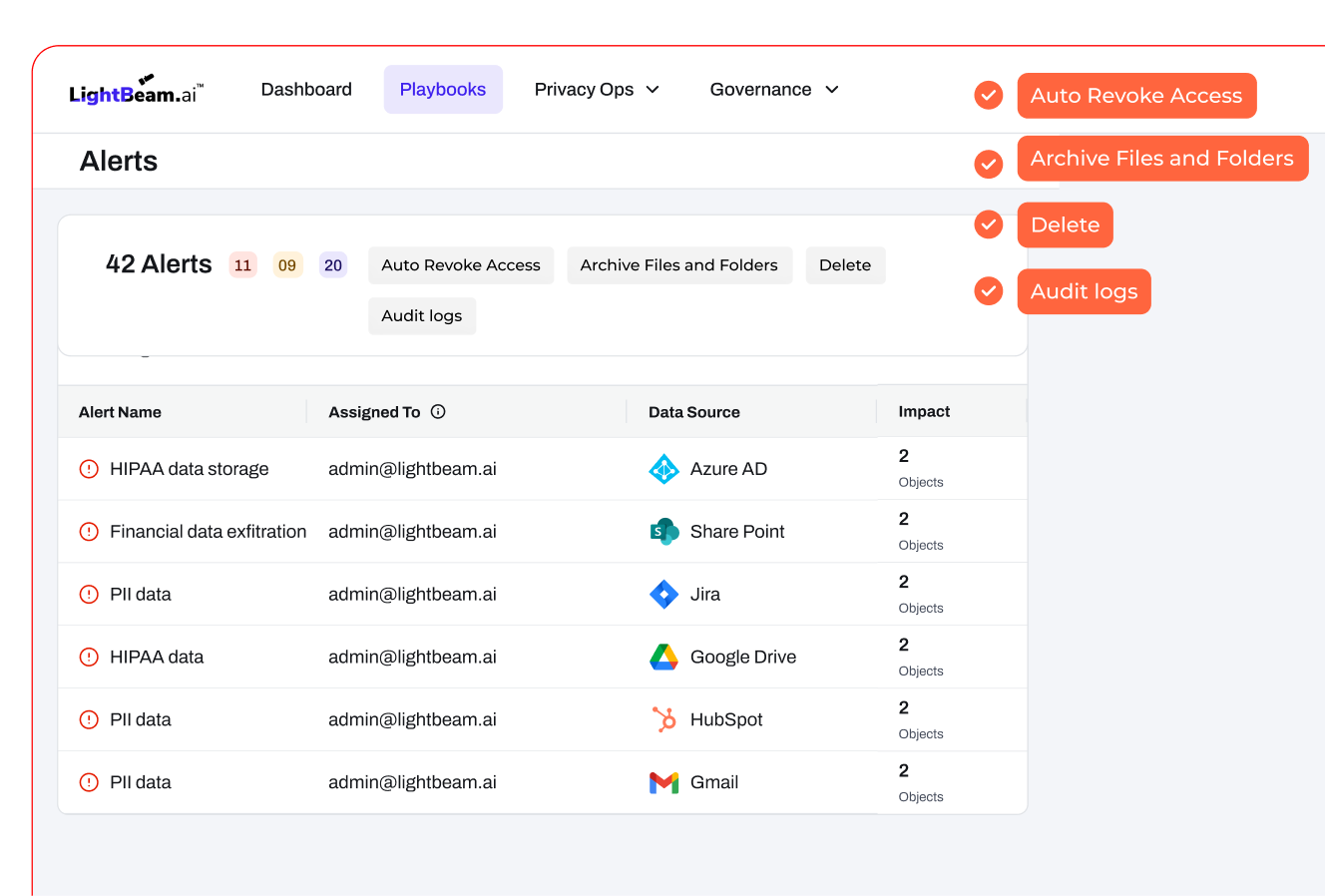
Automate least‑privilege and cleanup with identity context; Playbooks execute instantly across cloud, SaaS, and On-Prem.
Lightbeam links sensitive content to real people, then enforces policy without manual spreadsheets. When objects violate rules, open access, excessive rights, or external sharing, playbooks revoke or narrow permissions, label, archive, or delete, and log every step. Automated access revocation applies controls the moment conditions are met, cutting manual effort and drift across cloud, SaaS, and On-Prem.
Close the blast radius in seconds, not hours, with behavior‑aware actions and a single console from detection to resolution.
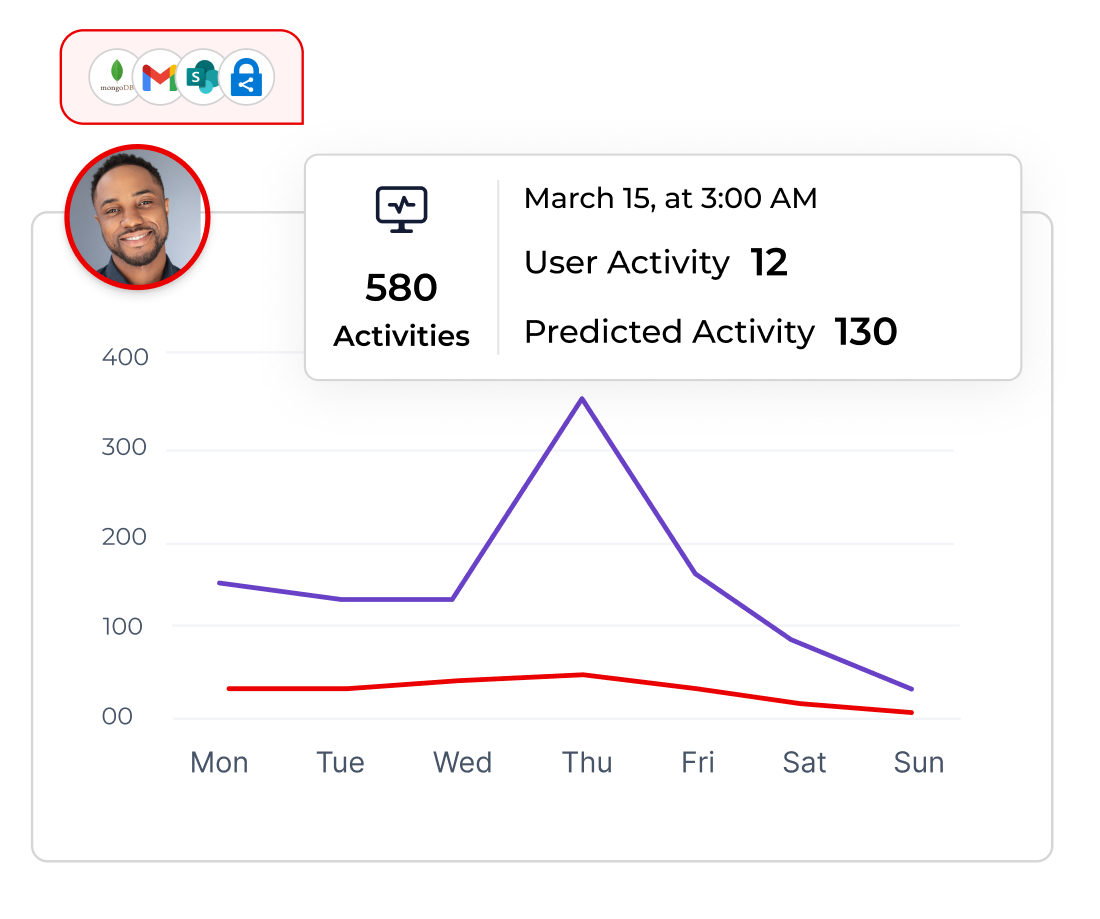
User and entity behavior analytics (UEBA) and Ransomware Protection watch for write spikes, mass deletes, or unusual access to sensitive folders. When behavior turns risky, Lightbeam suspends sessions, revokes rights, or quarantines files automatically, with one console from detection to fix and a clean audit trail. Copilot governance extends control to AI prompts, responses, and shared files to prevent oversharing.
Fix the riskiest issues first, and prove it with evidence auditors trust
Faster time‑to‑containment
Detect, decide, and act in one place. Suspend sessions, revoke access, or quarantine files to stop spread and shrink resolution times with incident logs ready for leadership.
Dive into Automated RemediationIdentity‑aware context
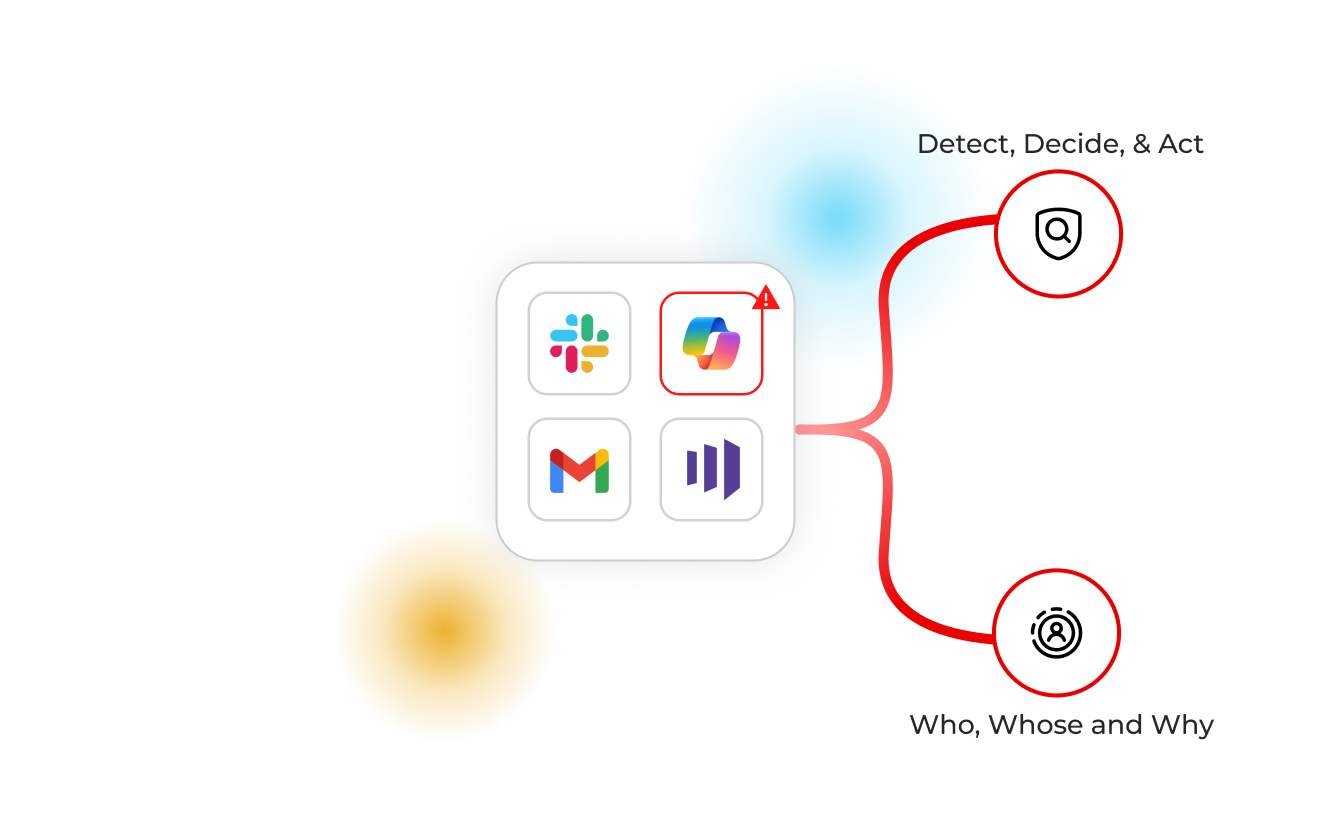
Tie every remediation to a human identity and business context. Prove who had access, whose data was protected, and why decisions were made.
Explore the Data Identity GraphPolicy precision at scale
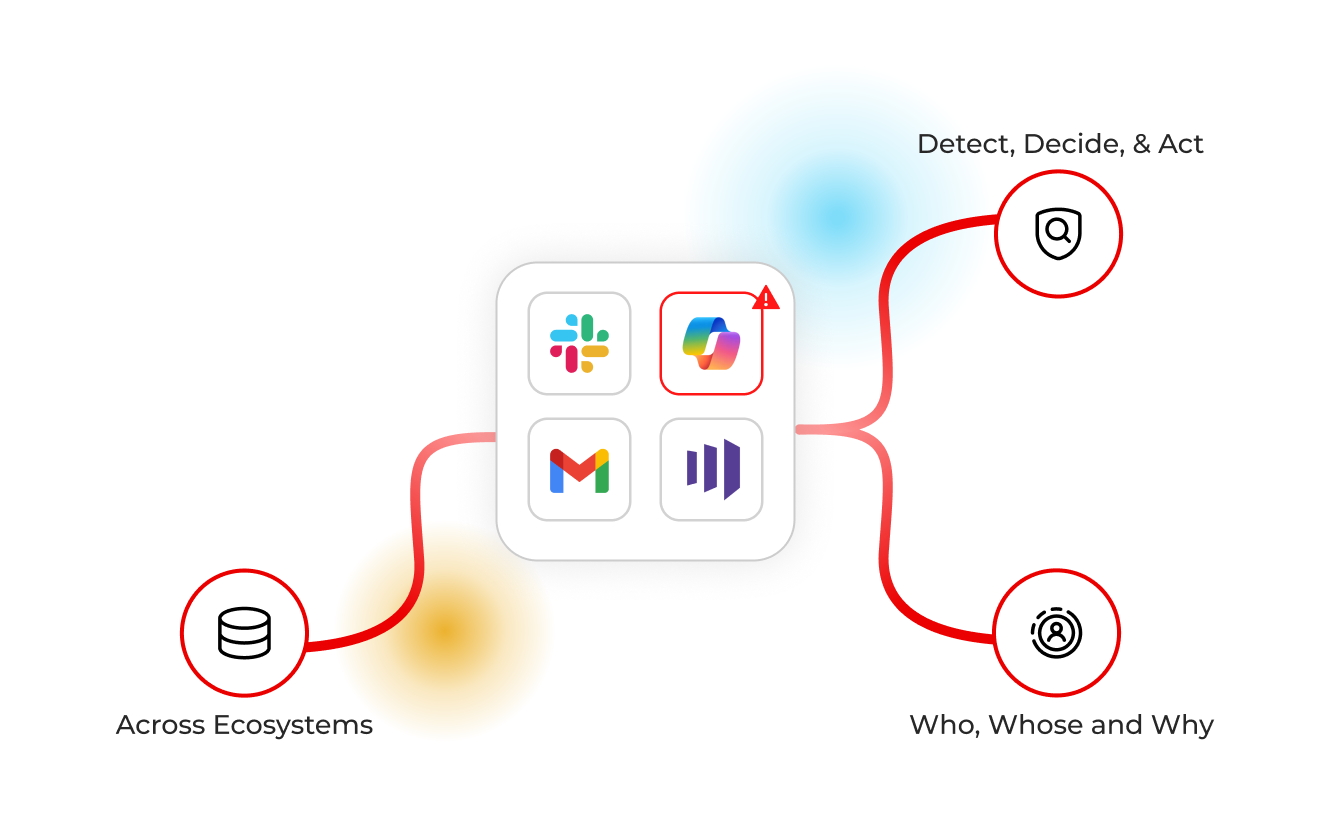
Enforce by file type, label, source, or folder, including SMB shares, so code, PHI, or contracts follow rules automatically across ecosystems, without manual work.
View Automated RemediationAudit‑ready proof
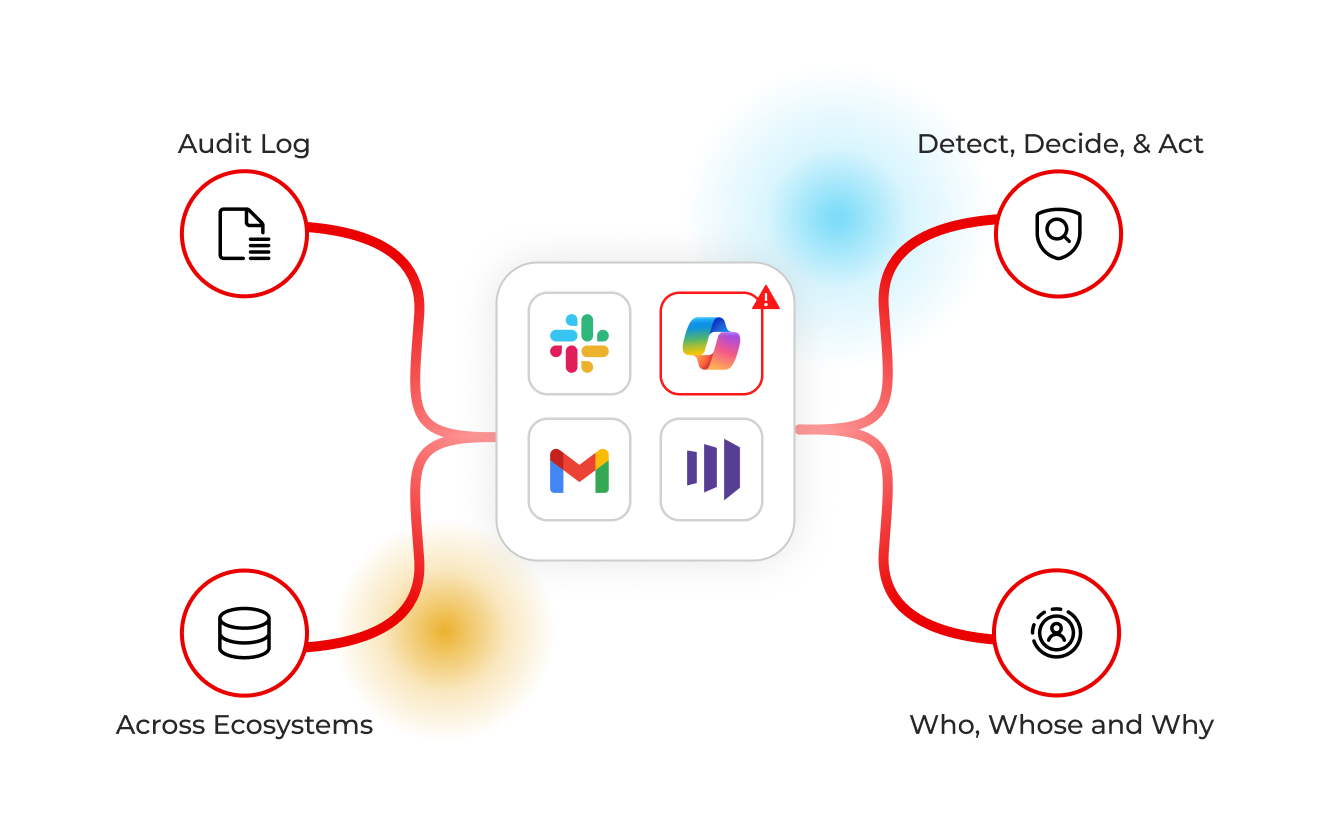
Every alert, review, and action is logged immutably. Export evidence for SOC 2, ISO 27001, PCI, and more, without chasing spreadsheets, and share reports in seconds.
Privacy at ScaleRisk‑based prioritization
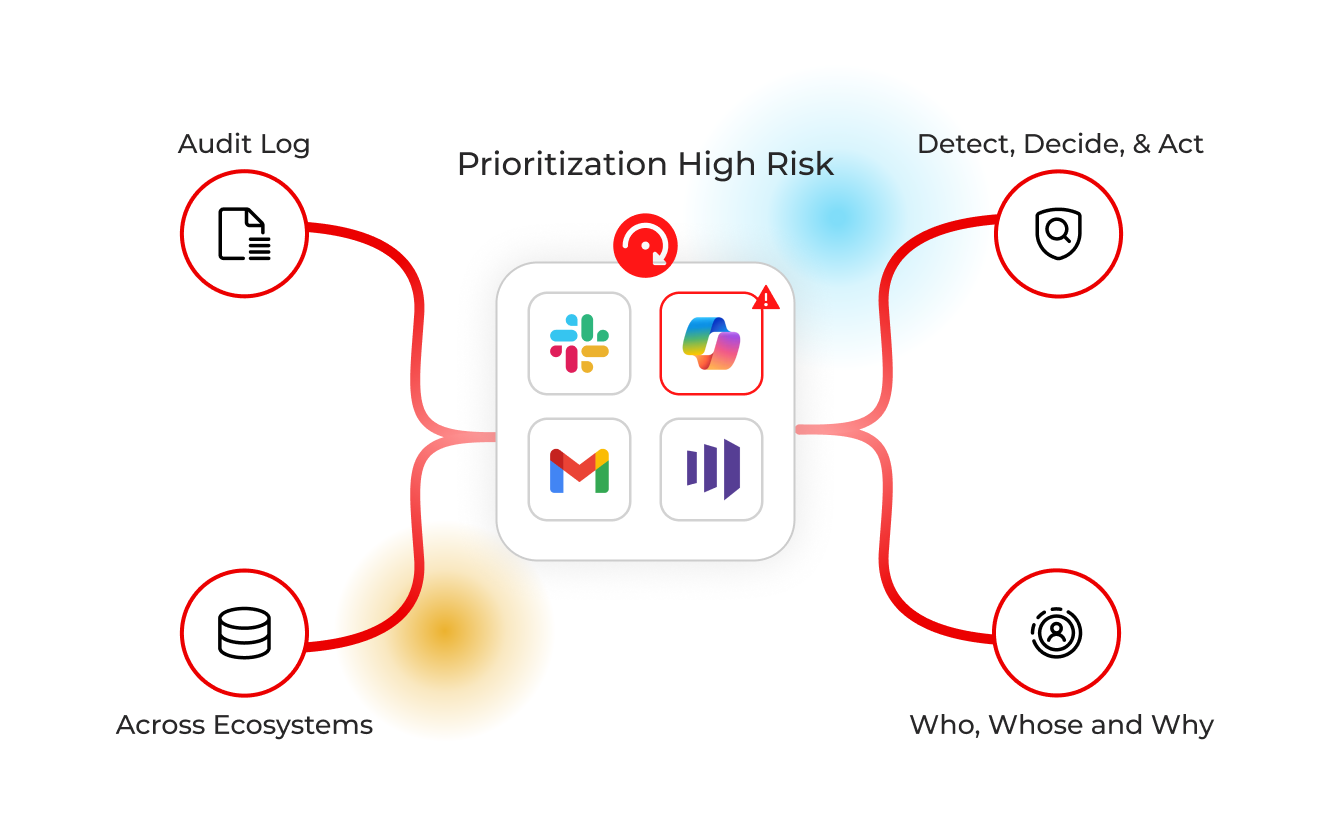
Use contextual risk and density scores to focus Playbooks where they matter most, track posture over time, and measure impact on exposure over time.
Prioritize Risks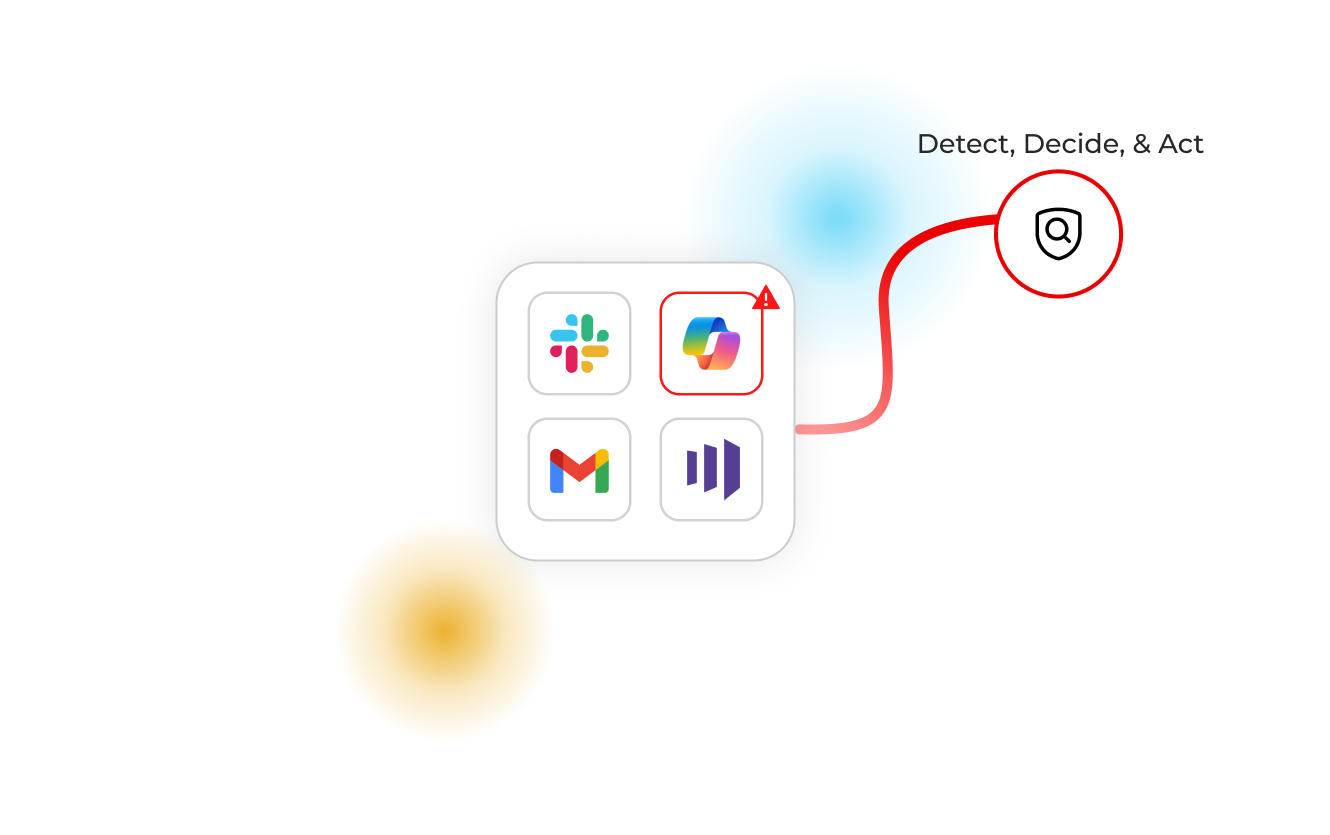
Explore key related capabilities


Customers on automated remediation outcomes

“Lightbeam dramatically improved our PCI compliance processes, enabling accurate, efficient audits, and rapid response to potential compliance risks.”
David Hanna
IT Security, Veridian Credit Union
FAQs
Frequently Asked Questions
How does Lightbeam know when to remediate automatically versus requiring review?
Policies define conditions (e.g., open or excessive access, PHI in shared folders, file‑type rules, or behavior anomalies) and actions. High‑risk violations can trigger automatic revocation, redaction, archival, or deletion; medium‑risk events route to review with one‑click fixes. Risk Scores, UEBA signals, and identity context ensure precision and auditability.
Explore Automated RemediationWill automation work across legacy SMB shares and modern SaaS like Microsoft 365 and Google Workspace?
Yes. Lightbeam enforces policies on SMB file shares/folders and across cloud and SaaS sources like SharePoint, OneDrive, Google Drive, and more. Actions and evidence stay in one console, with granular control by file type, label, or location. Playbooks trigger revocation, account disablement, or quarantine with full logs preserved, no extra agents or scripts.
Explore IntegrationsCan we prove to auditors that remediation happened, who approved it, and when it occurred across systems?
Every alert, review, and action is captured with timestamps, approvers, and outcomes. Access Review exports audit‑ready CSVs for SOC 2 and ISO 27001, and incident reports map behavior, identities, and files involved. Ransomware Protection preserves a timeline of actions and blast radius—so evidence is ready without spreadsheet hunts. Three‑state reviews keep accountability clear.
Explore PlatformBrowse Key Resources


Get a free risk assessment and a remediation roadmap.
We’ll scan connected sources, surface your highest‑risk exposures, and show how Playbooks revoke, redact, archive, or delete to close gaps fast, with audit‑ready evidence.